
Configuring your company profile is the first step of the onboarding process. To set up your workspace profile, you can follow these instructions:
- Navigate to the Profile Settings: On the left-hand navigation menu, click on Settings, and then select Profile.
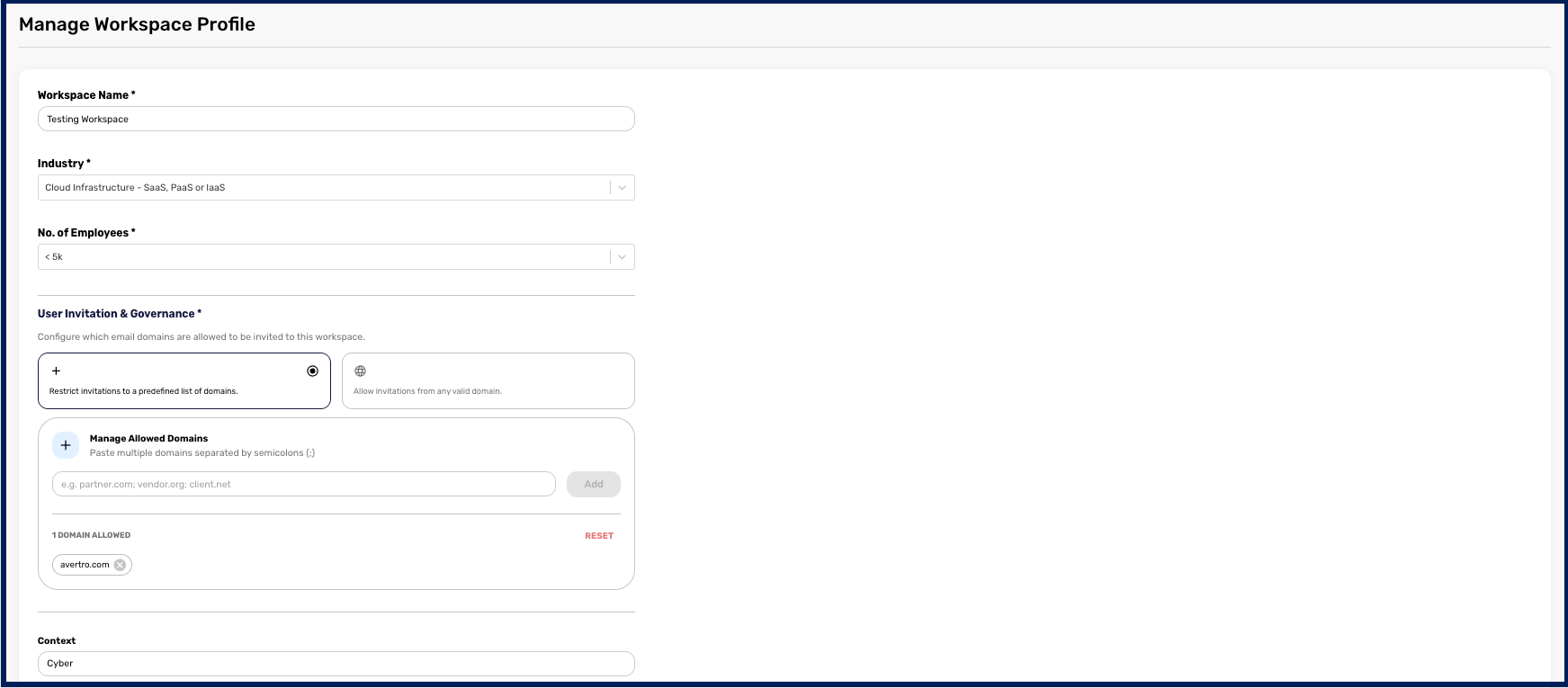
Fill in your Details: Within the Profile Settings page, you will need to configure the following information for your workspace:
- Workspace Name: Enter the identifying name for your workspace.
- Workspace Domain: Provide the web domain associated with your workspace.
- Industry: Select the specific industry that your organization operates in from the available options.
- Number of Employees: Choose the option that reflects your organization's workforce size.
- Company Logo: You have the option to upload a custom company logo to brand the platform.
- Theme: Customize the visual appearance of your workspace by choosing a preset theme or by inputting a custom Hex Code.