
This guide covers setting up a ServiceNow connector to integrate your ServiceNow incidents into CyberHQ as issues.
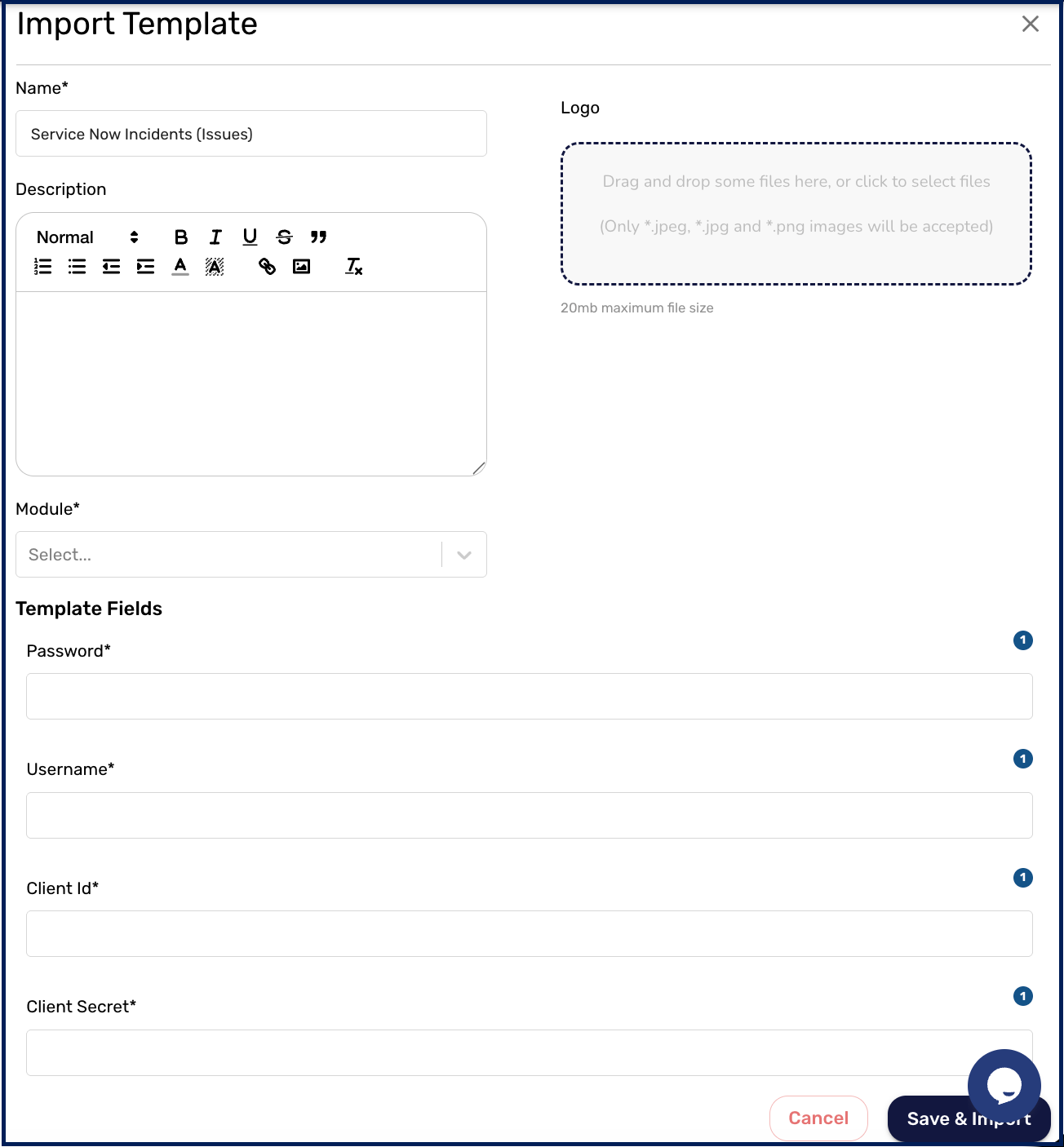
Set up the client ID and secret
- In ServiceNow, go to Application Registry, select New, and choose Create an OAuth API endpoint for external clients.
- Name the application Avertro-Connect and click Submit. Once created, copy the Client ID and Client Secret and store them securely.
- In Instance Settings, select Manage Instance Password, and copy the Username, Password, and Instance URL, storing them securely.
First HTTP node (request an OAuth token)
In CyberHQ Connect, create a new automation and add an HTTP node:
- Select POST as the request type.
- Enter the URL: https://your-service-now-ID.service-now.com/oauth_token.do
- Under Header Parameters, add content-type with the value application/x-www-form-urlencoded.
- Under Body Parameters, add client_secret, client_id, username, and password (the values from setup), and add grant_type with the value password.
- Open View Data Flow and declare the access token as a variable: set the name to TOKEN and set access_token as the variable. Test the node.
Second HTTP node (get users)
Create a new HTTP node linked to the first:
- Select GET as the request type.
- Enter the URL: https://your-service-now-ID.service-now.com/api/now/v1/table/sys_user?sysparm_fields=sys_id,name,first_name,last_name,email
- Under Header Parameters, add an authorization key with the value Bearer $Token.
- Open View Data Flow and declare a variable: set the name to USERS and set result as the variable. Test the node.
Third HTTP node (get incidents)
Create a new HTTP node linked to the previous one:
- Select GET as the request type.
- Enter the URL: https://your-service-now-ID.service-now.com/api/now/v1/table/incident
- Under Header Parameters, add an authorization key with the value Bearer $Token, and set the Custom Payload Location to data.result.
How the data is used
The connector maps each ServiceNow incident into a CyberHQ issue: it looks up the issue owner from the USERS variable, builds a reference and name from the incident number and short description, parses the impact level, assembles the description (including the creator and creation timestamp where available), and sets the status to Resolved when the incident is inactive or Open otherwise. It also adds a resolve action pointing back to ServiceNow.
Reference documents